
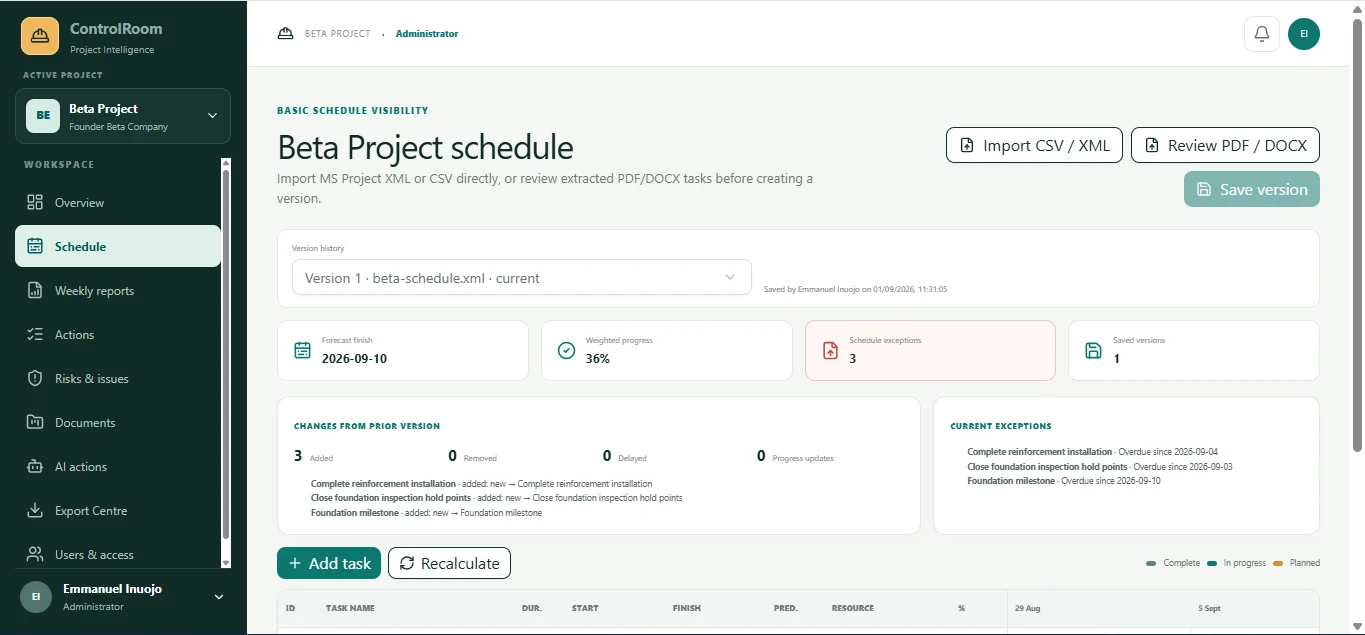
Private Beta
AI Project Controls Copilot
A project-management and project-controls solution developed to improve project visibility, coordination, reporting and decision-making.
Not publicly accessible
Request a Private Demo →Division 03 · Digital Operations
We design practical digital tools around specific reporting, coordination and decision workflows, from focused calculators to operational platforms.
What we build
The best automation removes repetition, improves the quality of operational information and helps teams act with greater consistency.
Selected software portfolio
Four practical builds spanning project controls, construction reporting, campaign communication and financial visibility.
Private Beta
A project-management and project-controls solution developed to improve project visibility, coordination, reporting and decision-making.
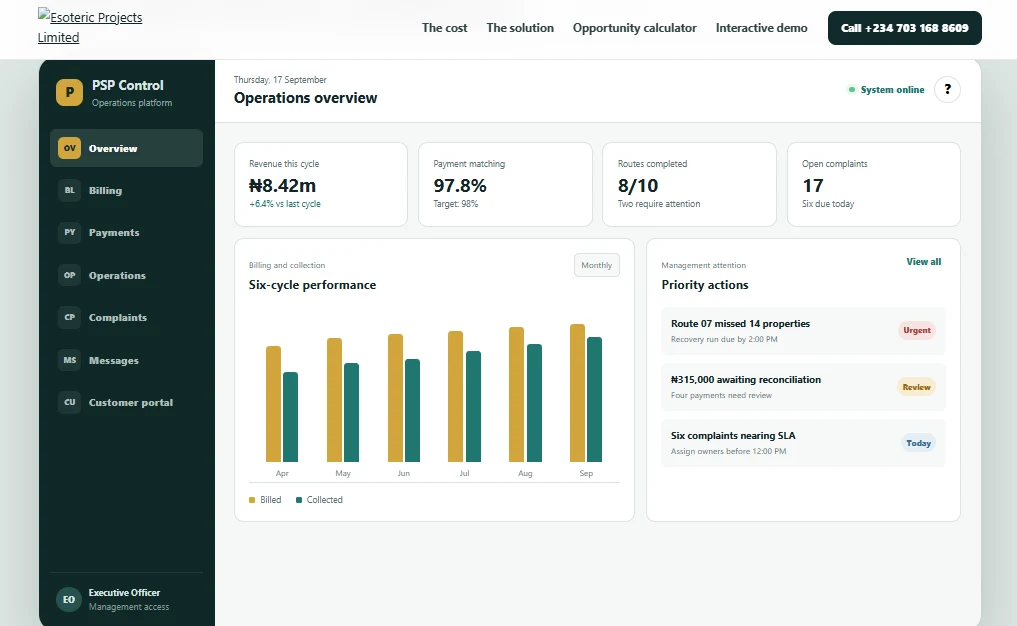
Public digital experience
A public, interactive platform for PSP operators covering billing, payments, route evidence, complaints and management reporting.
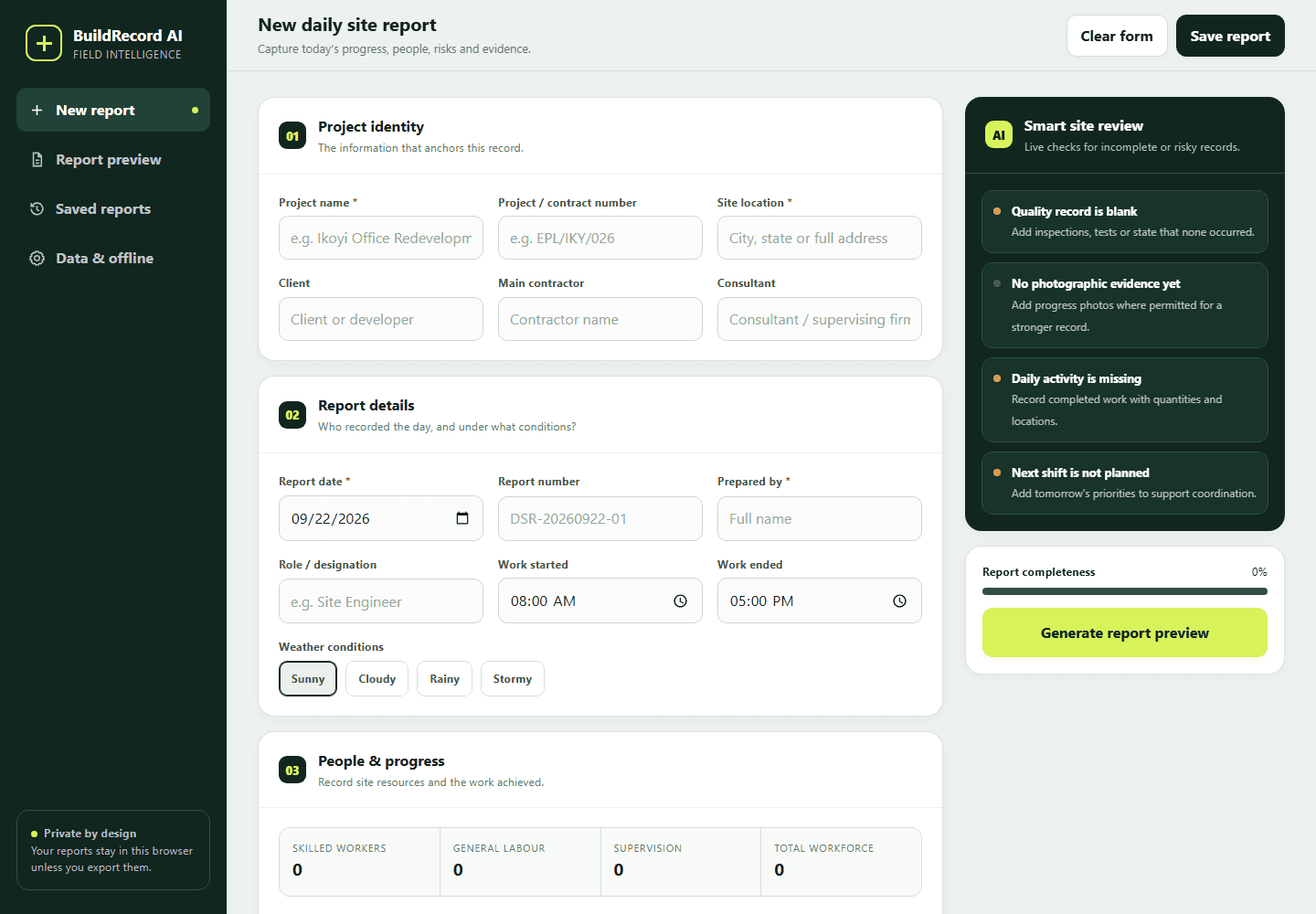
Construction reporting
A structured construction site-reporting solution covering people, progress, materials, equipment, safety, quality, instructions and evidence.
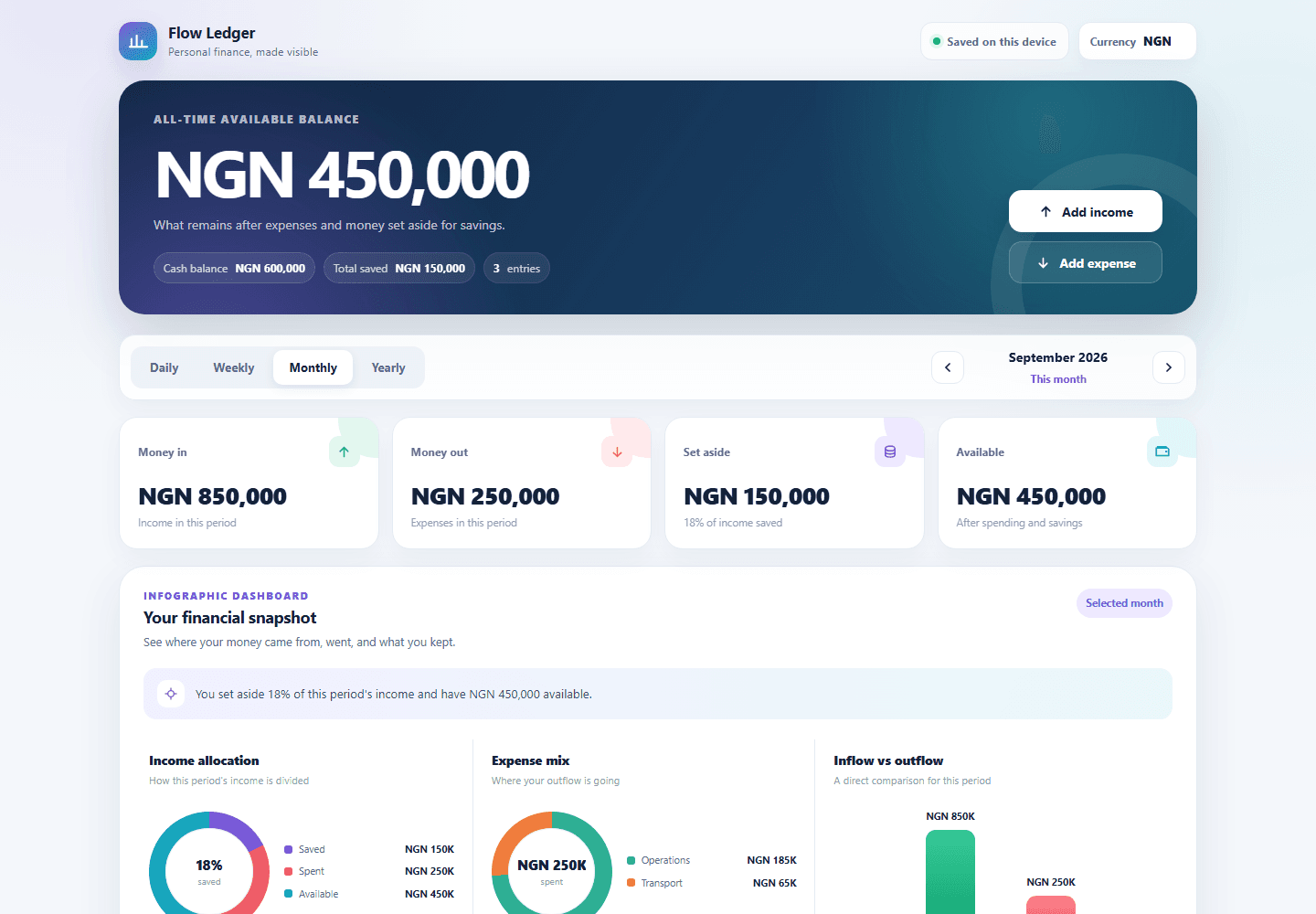
Operational dashboard
A local-first financial tracker for income, expenses, savings, period views, visual summaries and printable reporting.
Private Beta
A private project-management and project-controls solution developed to improve project visibility, coordination, reporting and decision-making.
Public digital experience
A public interactive platform addressing disconnected billing, collection, payment matching, route evidence, complaints and management reporting.
Construction reporting
A focused daily site-reporting application that captures structured information, checks completeness and prepares a professional report.
Financial visibility
A local-first financial tracking application that makes income, expenses, savings and available balance visible across reporting periods.
Delivery model
Discover
Define
Prototype
Build
Pilot
Deploy
A clearly defined tool or workflow delivered around a specific business need.
A prototype tested with real users and refined before broader operational adoption.
Ongoing discovery and development across a connected set of internal workflows.
Automation answers
Business automation uses digital tools to organise repeatable work, improve the consistency of operational information and help people complete reporting, approval and coordination tasks with less manual handling.
Suitable processes can include reporting, project controls, approvals, document preparation, operational dashboards, calculations, estimators and other structured internal workflows.
Custom software is appropriate when a valuable workflow is specific to the organisation, existing tools create avoidable work, or teams need a focused interface and reporting structure that standard products do not provide well.
Off-the-shelf software offers a standard set of features for many organisations. Custom software is shaped around a defined workflow, user group and information requirement, but it also requires a clear scope and ongoing ownership.
It begins by identifying the operational friction, the people involved, the information they need and the decisions the tool should support. The solution can then move through definition, prototyping, building and pilot use.
Start a conversation